
Choosing the right email marketing platform can make a significant difference in how effectively a business communicates with its audience. In this MailerLite Review, we’ll explore what the platform offers, examine its main features, and determine whether it’s the right solution for your business.
MailerLite is an email marketing platform that has gained popularity among businesses looking for a relatively simple and affordable way to manage their email marketing activities. It combines email campaigns, automation, landing pages, signup forms, and other marketing tools in one platform.
But is MailerLite really worth using? Does it offer enough features for growing businesses, and how does it compare with other email marketing solutions?
In this comprehensive MailerLite Review, we’ll examine its main features, pricing, advantages, disadvantages, and alternatives. We’ll also look at the types of businesses that can benefit most from the platform.
Let’s take a closer look.
What Is MailerLite?
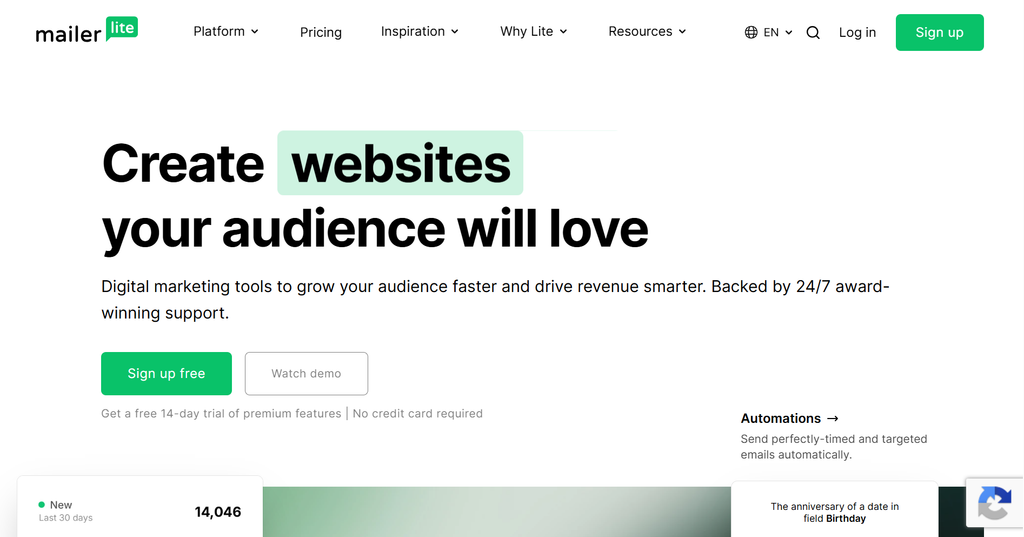
MailerLite is an email marketing and digital marketing platform designed to help businesses communicate with their audiences through email campaigns, automated workflows, landing pages, and signup forms.
The platform focuses on simplicity and accessibility, making it particularly attractive to beginners, bloggers, freelancers, and small businesses.
Unlike some more complex marketing platforms, MailerLite aims to make email marketing accessible without requiring advanced technical knowledge.
With MailerLite, users can:
- Create and send email marketing campaigns.
- Build and manage email subscriber lists.
- Design automated email sequences.
- Create landing pages and signup forms.
- Segment subscribers based on their interests and behavior.
- Build websites and sell digital products using available platform tools.
- Monitor campaign performance through analytics and reporting.
One of MailerLite’s main attractions is that it combines several marketing tools in a single environment. This can reduce the need for multiple separate services, especially for smaller businesses.
MailerLite Features: What Does the Platform Offer?
A good email marketing platform should do more than simply send newsletters. It should help businesses build relationships with subscribers, automate communication, and understand campaign performance.
MailerLite offers several tools designed to support these activities.
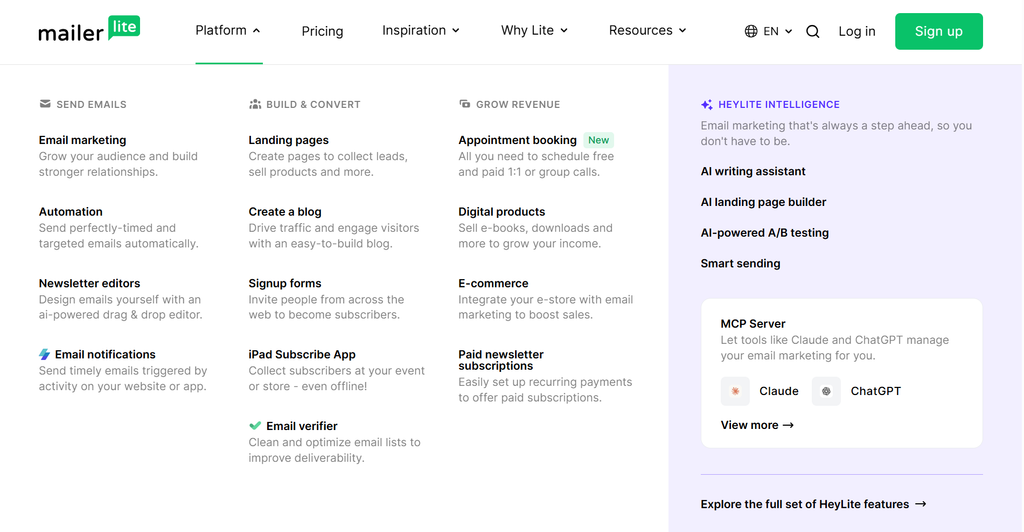
Let’s examine its most important features.
1. Email Campaign Builder
Email campaigns are at the heart of MailerLite’s platform.
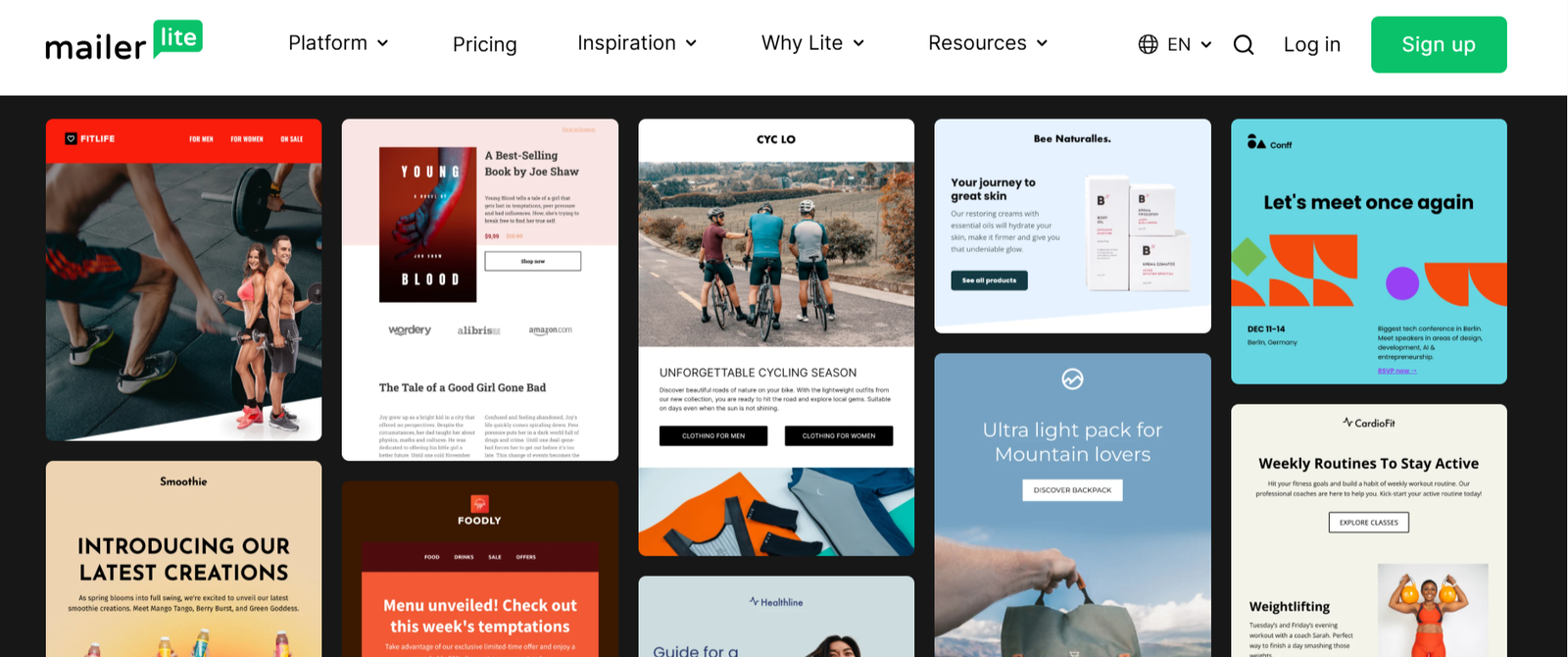
Users can create newsletters, promotional emails, product announcements, and other marketing messages using its email editor.
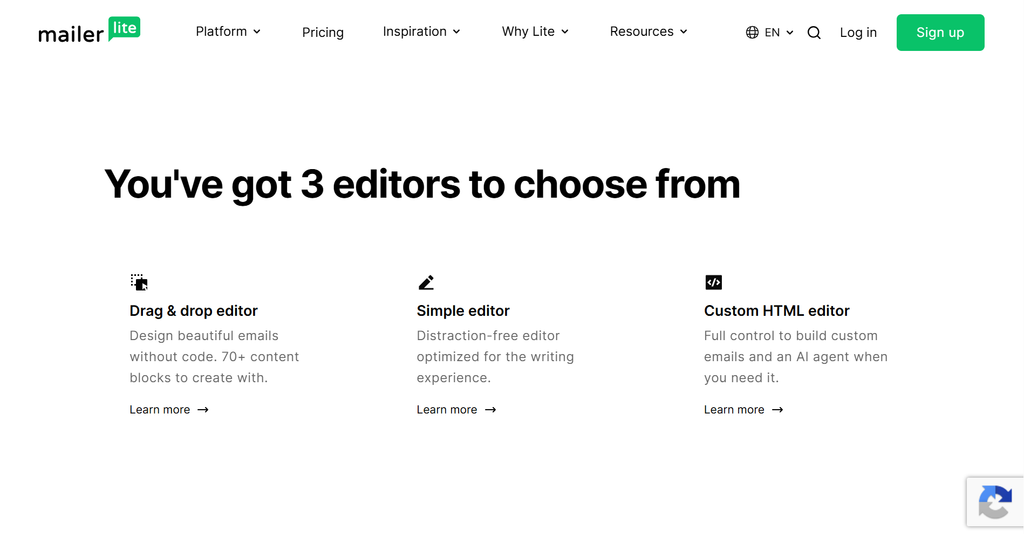
The drag-and-drop editor allows users to arrange content blocks, add images, insert buttons, and customize layouts without writing HTML code.
MailerLite also provides email templates that can help users create professional-looking campaigns more quickly.
Key capabilities include:
- Drag-and-drop email editing.
- Customizable email templates.
- Image and content blocks.
- Personalization options.
- Campaign scheduling.
- Email previews.
For bloggers and small businesses, these tools provide a convenient way to maintain regular communication with subscribers.
2. Email Automation
Email automation is one of the most valuable features of any modern email marketing platform.
Instead of manually sending every message, businesses can create automated workflows that deliver emails based on specific subscriber actions or conditions.
MailerLite offers automation tools that allow users to build sequences for different marketing purposes.
Examples include:
- Welcome emails for new subscribers.
- Automated onboarding sequences.
- Follow-up emails after a subscriber joins a list.
- Promotional email sequences.
- Re-engagement campaigns.
- Customer communication based on subscriber activity.
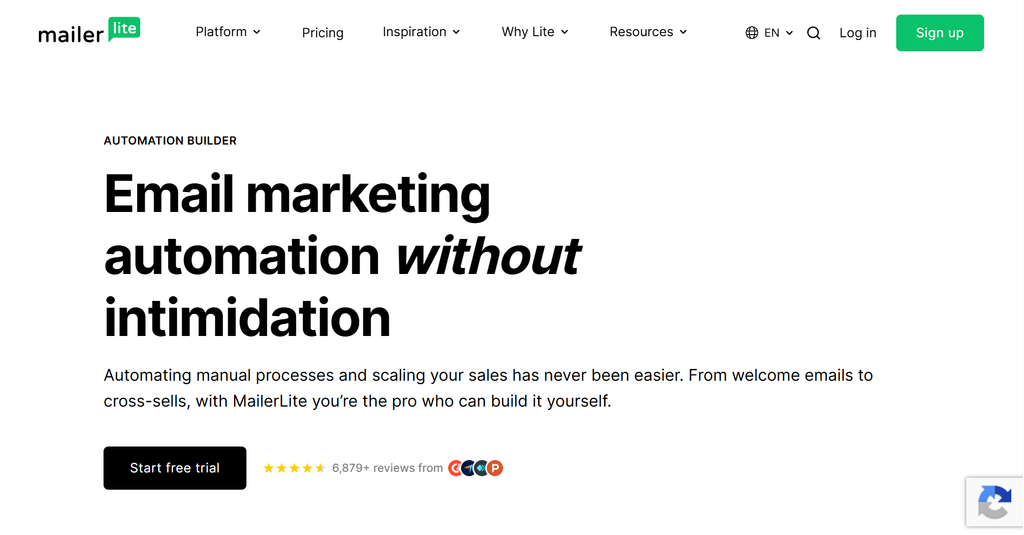
The visual automation workflow builder makes it easier to understand how different steps and conditions connect.
For example, a blogger could create an automated welcome sequence that introduces new subscribers to their most useful articles over several days.
This helps maintain engagement without requiring constant manual work.
3. Landing Page Builder
Landing pages are useful when businesses want to promote a specific offer, collect email addresses, or generate leads.
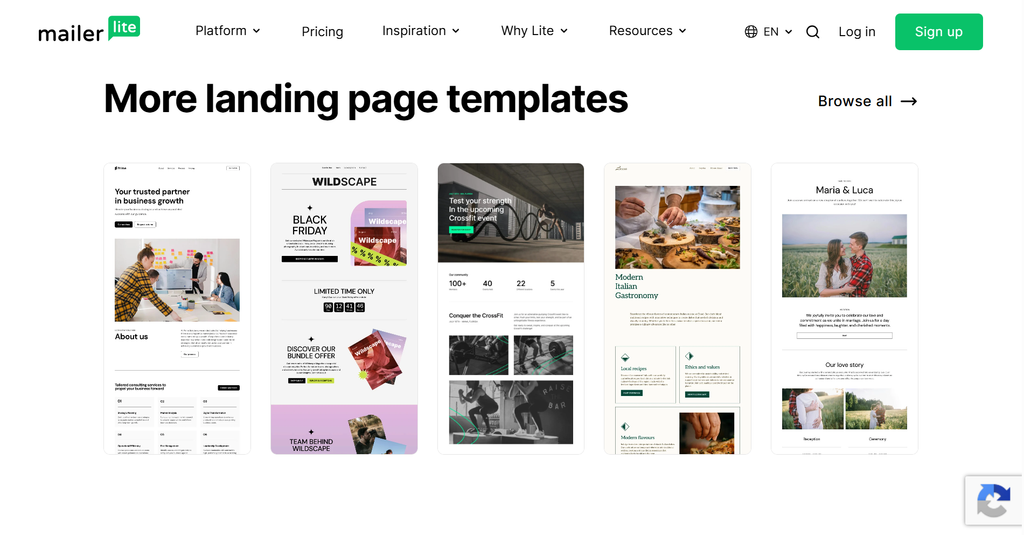
MailerLite includes a landing page builder that allows users to create standalone pages without needing a separate website development tool.
Users can customize page layouts, add images, write promotional content, and include signup forms.
Landing pages can be used for:
- Free ebook downloads.
- Newsletter subscriptions.
- Webinar registrations.
- Product promotions.
- Lead generation campaigns.
For bloggers and content creators, this feature can be particularly useful when building an email list around downloadable resources or exclusive content.
4. Signup Forms and Subscriber Management
Building an email list is an essential part of successful email marketing.
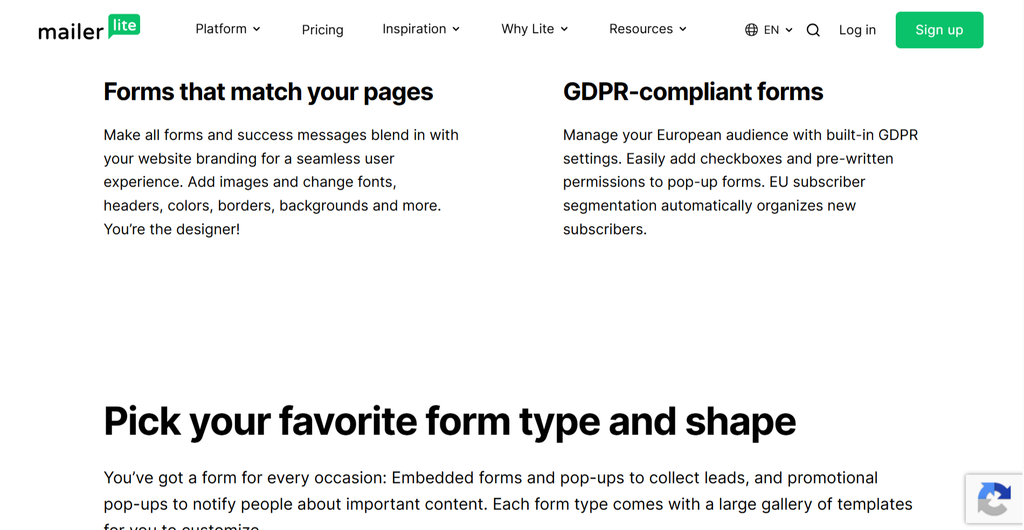
MailerLite provides several ways to collect subscriber information through forms and other signup tools.
Depending on the available plan and configuration, users can create:
- Embedded signup forms.
- Pop-up forms.
- Promotional signup forms.
- Landing page subscription forms.
These tools can be placed on a website to encourage visitors to join an email list.
MailerLite also provides subscriber management features that help users organize contacts and maintain their email lists.
This makes it easier to communicate with different groups of subscribers.
5. Email Segmentation
Sending the same email to every subscriber is not always the most effective marketing strategy.
Different subscribers may have different interests, needs, and levels of engagement.
MailerLite offers segmentation and grouping tools that allow marketers to organize their audiences.
For example, a business could create separate subscriber groups for:
- New subscribers.
- Active customers.
- Highly engaged readers.
- Subscribers interested in specific products.
- Contacts who have not interacted with recent campaigns.
More relevant email communication can improve the subscriber experience and help businesses make their campaigns more effective.
6. Analytics and Reporting
Understanding campaign performance is essential for improving email marketing results.
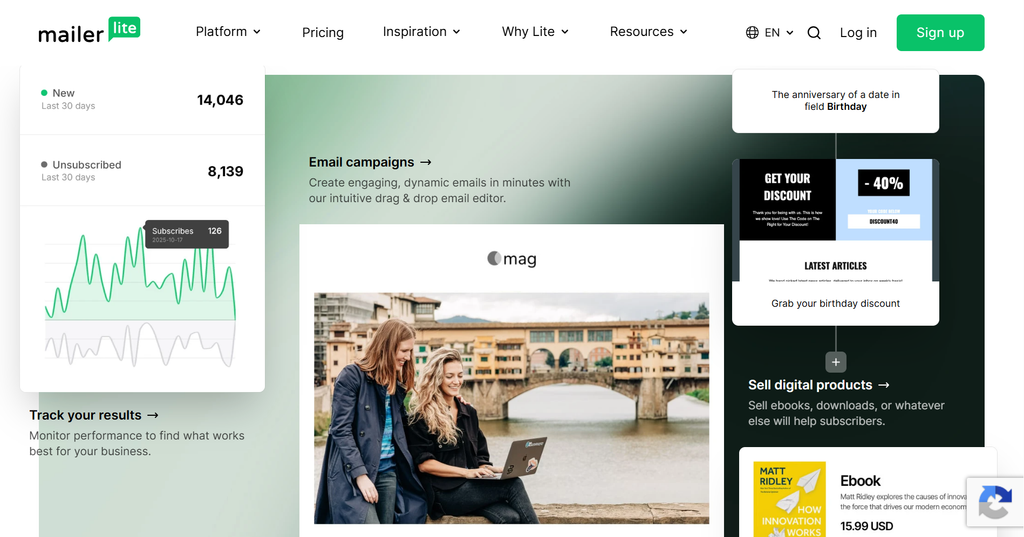
MailerLite provides reporting tools that allow users to monitor important email marketing metrics.
Depending on the campaign and available reporting features, these can include:
- Open rates.
- Click-through rates.
- Unsubscribes.
- Subscriber activity.
- Campaign performance.
These insights can help marketers understand which messages generate engagement and which campaigns need improvement.
For businesses that regularly send newsletters or promotional emails, performance reporting is an important part of the marketing process.
MailerLite Pricing: How Much Does It Cost?
Pricing is an important consideration when choosing an email marketing platform.
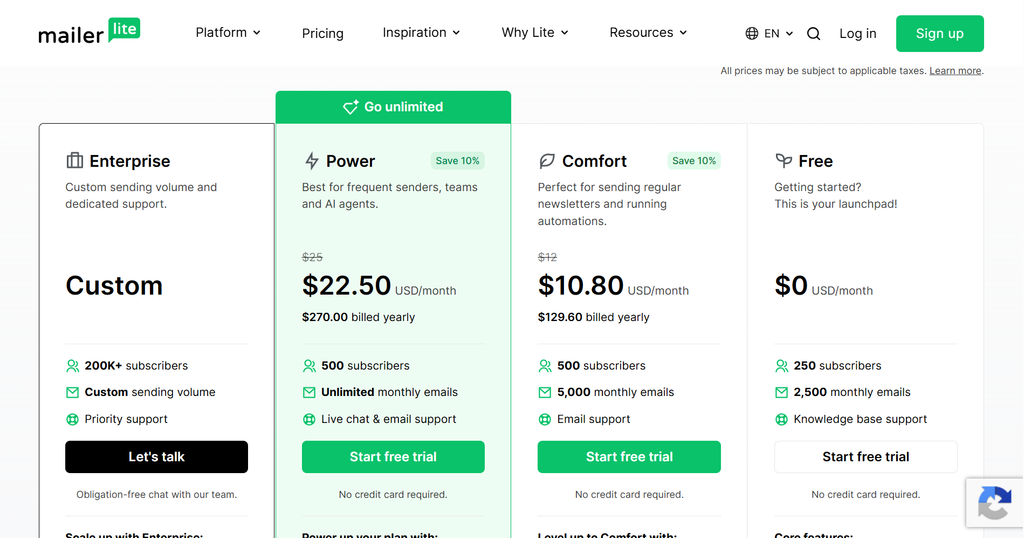
MailerLite offers a free plan and paid subscription options designed for businesses with different marketing requirements.
The free plan can be an attractive starting point for individuals and small businesses that want to explore email marketing without committing to a paid subscription.
Paid plans provide access to additional capabilities and higher usage limits.
The actual cost depends on factors such as subscriber count, selected subscription, and available features.
Before purchasing a subscription, it’s worth checking the official pricing page for the latest plan details and restrictions.
Official pricing page: https://www.mailerlite.com/pricing
When comparing MailerLite pricing, pay attention to:
- Monthly subscriber limits.
- Monthly email sending limits.
- Available automation features.
- Landing page and website functionality.
- Reporting and optimization tools.
- User access and account limitations.
- Support availability.
One advantage of MailerLite is that businesses can start with a relatively simple setup and consider upgrading as their email marketing requirements grow.
MailerLite Pros and Cons
Every email marketing platform has strengths and limitations. MailerLite is no exception.
Before choosing it, it’s important to understand where the platform performs well and where it may not meet every business requirement.
Pros of MailerLite
1. Beginner-Friendly Interface
MailerLite is designed to make email marketing accessible. Its interface and visual editors help users create campaigns without extensive technical knowledge.
2. Free Starting Option
The availability of a free plan makes it easier for individuals and small businesses to get started.
3. Email Automation
Users can create automated email sequences and workflows to reduce repetitive marketing tasks.
4. Landing Pages and Signup Forms
The platform provides additional tools for collecting subscribers and promoting products or content.
5. Audience Segmentation
Subscriber organization and segmentation help marketers send more relevant messages.
6. Multiple Marketing Tools in One Platform
MailerLite combines several important marketing capabilities, potentially reducing the need for separate services.
Cons of MailerLite
1. Limitations for Advanced Marketing Needs
Businesses with highly sophisticated marketing requirements may find that MailerLite lacks some of the advanced capabilities available in more comprehensive platforms.
2. Feature Availability Depends on the Plan
Not every feature is available on every subscription. Users should carefully compare plan restrictions before making a decision.
3. Limited Suitability for Complex CRM Workflows
MailerLite is primarily an email marketing platform rather than a full-scale customer relationship management solution.
Businesses that require advanced sales pipeline management may need additional software.
4. Scaling May Require a More Comprehensive Platform
As a business grows, its marketing requirements may become more complex. Some companies may eventually need more advanced automation, reporting, or customer management capabilities.
Who Should Use MailerLite?
MailerLite is not necessarily the perfect solution for every business.
However, it can be a good option for several types of users.
Bloggers and Content Creators
Bloggers can use MailerLite to build an email audience, distribute newsletters, and promote their latest content.
Automated welcome sequences can also help introduce new subscribers to important articles and resources.
Small Businesses
Small businesses often need affordable marketing tools that are relatively easy to manage.
MailerLite provides email campaigns, automation, and subscriber management features that can support these activities.
Freelancers and Consultants
Freelancers can use email marketing to maintain relationships with potential clients, share useful information, and promote their services.
Online Entrepreneurs
Entrepreneurs selling digital products or services can use MailerLite to build subscriber lists and create automated promotional campaigns.
However, businesses with complex sales operations may need additional tools.
MailerLite vs. Alternatives: How Does It Compare?
MailerLite operates in a competitive email marketing market.
There are several alternatives worth considering, especially if you need different automation capabilities, integrations, or business features.
Here are three popular options.
MailerLite vs. ActiveCampaign
ActiveCampaign is known for its advanced marketing automation and customer experience tools.
It offers capabilities designed for businesses that need more sophisticated workflows, customer segmentation, and sales-related functionality.
MailerLite, on the other hand, focuses on providing an accessible email marketing experience.
For a more detailed comparison, see our Blog.ActiveCampaign Review: 7 Powerful Features, Pros and Cons
Choose MailerLite if:
- You want a straightforward email marketing platform.
- Your marketing requirements are relatively simple.
- You value ease of use.
Consider ActiveCampaign if:
- You need more sophisticated automation.
- Your business relies on complex customer journeys.
- You want more advanced sales and CRM capabilities.
MailerLite vs. Mailchimp
Mailchimp is another well-known email marketing platform.
It provides email campaign tools, automation, audience management, and additional marketing capabilities.
MailerLite can be attractive to users who prefer a simpler interface and a more straightforward approach to email marketing.
Choose MailerLite if:
- You prefer a simple email marketing environment.
- You want an accessible starting option.
- Your marketing requirements are relatively straightforward.
Consider Mailchimp if:
- You want to explore its broader marketing ecosystem.
- You already use tools integrated with Mailchimp.
- Its particular features better match your business requirements.
MailerLite vs. Brevo
Brevo is a marketing platform that combines email marketing with additional communication channels, including SMS and other customer communication tools.
MailerLite focuses more directly on email marketing and related content-building tools.
Choose MailerLite if:
- Email newsletters are your primary marketing channel.
- You need landing pages and signup forms.
- You prefer a relatively simple platform.
Consider Brevo if:
- You want to combine email and SMS marketing.
- You need additional customer communication channels.
- Its pricing and features better fit your contact management and sending requirements.
Is MailerLite Worth It?
MailerLite offers a practical combination of email marketing, automation, landing pages, signup forms, and subscriber management.
Its main appeal is accessibility. Users can get started without having to learn a complicated marketing system or manage multiple separate tools.
For bloggers, freelancers, content creators, and small businesses, these capabilities may be more than enough to build and maintain an effective email marketing strategy.
However, businesses with complex automation requirements, advanced CRM needs, or sophisticated customer journeys should compare MailerLite with more comprehensive alternatives.
The best choice ultimately depends on the size of your business, your marketing goals, and the features you actually need.
Final Verdict: MailerLite Review
MailerLite is worth considering if you’re looking for an accessible email marketing platform that combines essential marketing tools in one place.
This MailerLite Review highlights the platform’s main strengths, limitations, and potential value for businesses looking for an effective email marketing solution.
It offers a useful starting point for businesses that want to build an email list, send newsletters, automate communication, and create landing pages.
Its simplicity is one of its biggest advantages, particularly for users who don’t need an extensive collection of advanced marketing features.
At the same time, it may not be the ideal solution for every growing business. Companies with more complex marketing operations should carefully evaluate its limitations and compare it with alternatives such as ActiveCampaign, Mailchimp, and Brevo.
Our conclusion: MailerLite is a strong candidate for bloggers, creators, freelancers, and small businesses looking for a straightforward email marketing solution. Whether it’s the right choice for you depends on your specific marketing requirements and future growth plans.
Official website: https://www.mailerlite.com/

Pingback: ActiveCampaign Review: 7 Powerful Features, Pros and Cons - Phil Jackson reviews
Pingback: Brevo Review: 7 Essential Facts Before You Buy